Overview

This interactive quiz was designed to help users make confident, informed decisions about whether to rent or buy a home. The experience guides users through a series of questions that explore both lifestyle preferences and financial readiness, offering personalized feedback along the way. The tool was created as a value-add for real estate platforms like Zillow, Redfin, Trulia, or Realtor.com.

  • Audience: Homebuyers and renters using real estate platforms
  • Responsibilities: UX Design, Instructional Design, Visual Design, Prototyping
  • Tools Used: Figma, Articulate Storyline 360
Experience Project

Problem

While some users arrive on listing sites with a clear direction, many sit in a “gray zone,” uncertain whether renting or buying aligns better with their long-term goals. Factors that contribute to this uncertainty include:

  • Rising housing costs
  • Financial instability
  • Lifestyle flexibility
  • Misconceptions about home ownership

This quiz was designed to support users who are undecided. It simplifies the decision-making process and also serves real estate platforms as an educational tool that builds trust and encourages user engagement.

Solution

Users progress through a series of targeted questions that help clarify their financial situation, lifestyle goals, and readiness for homeownership. Behind the scenes, the quiz tracks responses across three categories: Buy, Rent, and Neutral. At the end, users receive:

  • A personalized recommendation
  • A visual summary of their responses
  • A link to a rent vs. buy calculator for deeper financial comparison

Unlike many basic online quizzes, this one emphasizes both design and functionality. It offers an intuitive layout, immediate insights, and clear next steps that help users move forward with confidence

My Process

Content Research

The process began with a review of existing rent vs. buy tools and related articles. This research helped identify the most relevant decision factors and informed both the quiz content and its scoring logic.

Screenshot of buy vs. rent quiz question.

Wireframes

Using Figma, wireframes were created to map out the quiz structure and user journey. This phase focused on interactivity and intuitive navigation before any visual design elements were added.
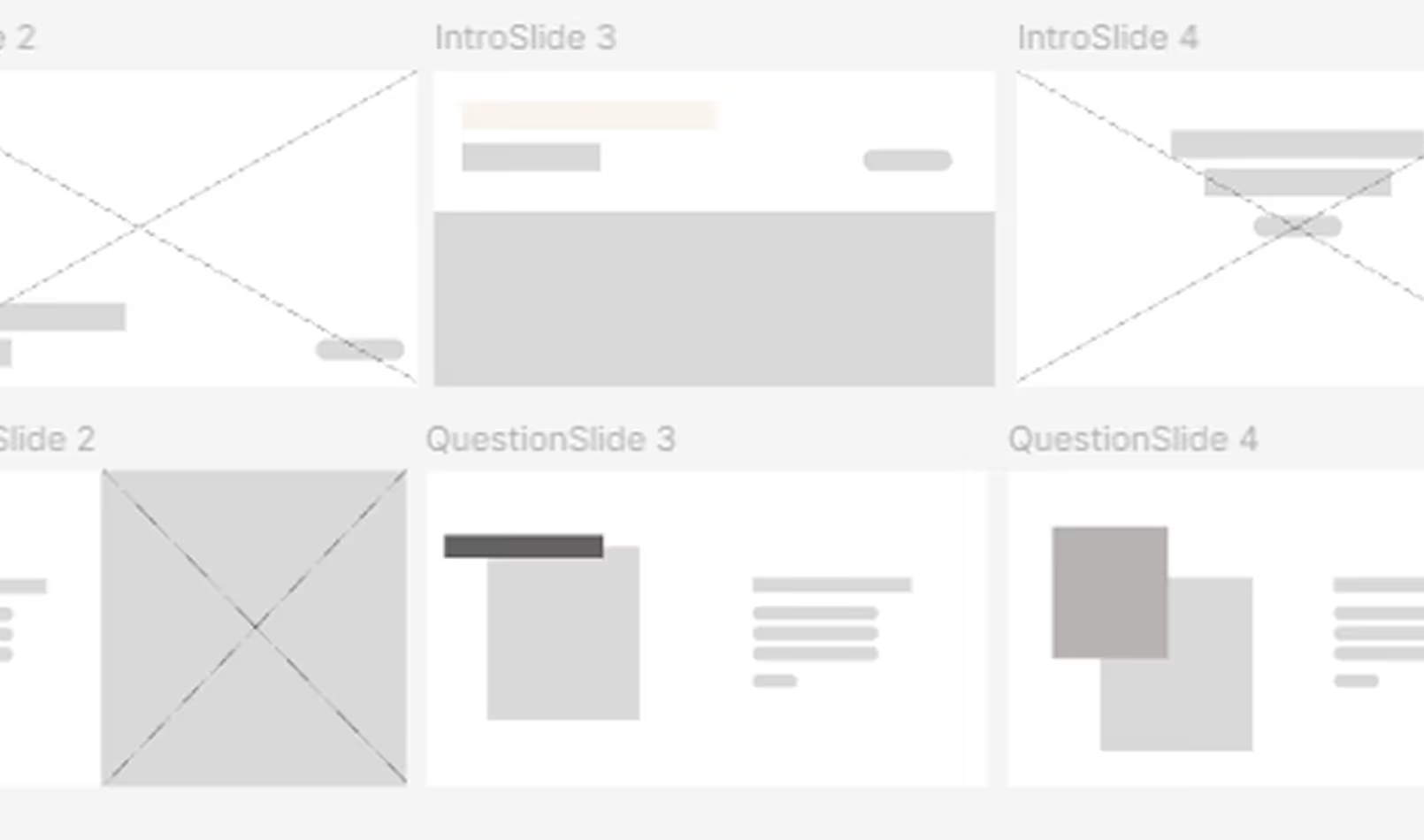
Photo of wireframes used to build quiz.

Visual Mockups

High-fidelity mockups were created in Figma with a clean, modern aesthetic to promote trust and professionalism. Design elements focused on clarity, emotional connection, and ease of use.

Screenshot of buy vs rent quiz question.

My Process

Content Research

The process began with a review of existing rent vs. buy tools and related articles. This research helped identify the most relevant decision factors and informed both the quiz content and its scoring logic.

Screenshot buy vs rent quiz question.
Screenshot of wireframes used to design buy vs rent quiz.

Wireframes

Using Figma, wireframes were created to map out the quiz structure and user journey. This phase focused on interactivity and intuitive navigation before any visual design elements were added.

Visual Mockups

High-fidelity mockups were created in Figma with a clean, modern aesthetic to promote trust and professionalism. Design elements focused on clarity, emotional connection, and ease of use.

Screenshot of buy vs rent quiz question.
Close up photo of person holding iPad  with buy vs rent quiz question on screen.

Development

Development was completed using Articulate Storyline 360, with custom logic built to track user choices and deliver personalized results. Key elements included:

  • Variables for tracking responses: BuyCount, RentCount, and NeutralCount
  • Answer choices that increment the corresponding variable
  • Conditional logic to determine the final result:
  • If BuyCount is greater than RentCount, recommend buying
  • If RentCount is greater than BuyCount, recommend renting
  • If NeutralCount is highest, suggest exploring both options
Photo of person taking buy vs rent quiz on computer.

Takeaways

This project provided hands-on experience using variables and conditional logic to create dynamic, personalized feedback. It also highlighted the impact of combining strong instructional design with thoughtful user experience.

  • Key lessons included:
  • Clarity through simplicity: Small interactive elements can be highly effective when paired with purposeful content
  • Design thinking enhances usability: Planning user flow early makes the final product more intuitive and trustworthy
  • Function and aesthetics can work together: A visually appealing interface can improve learning and engagement without overwhelming users
Experience Project